การดู : 319
07/06/2026 06:44น.
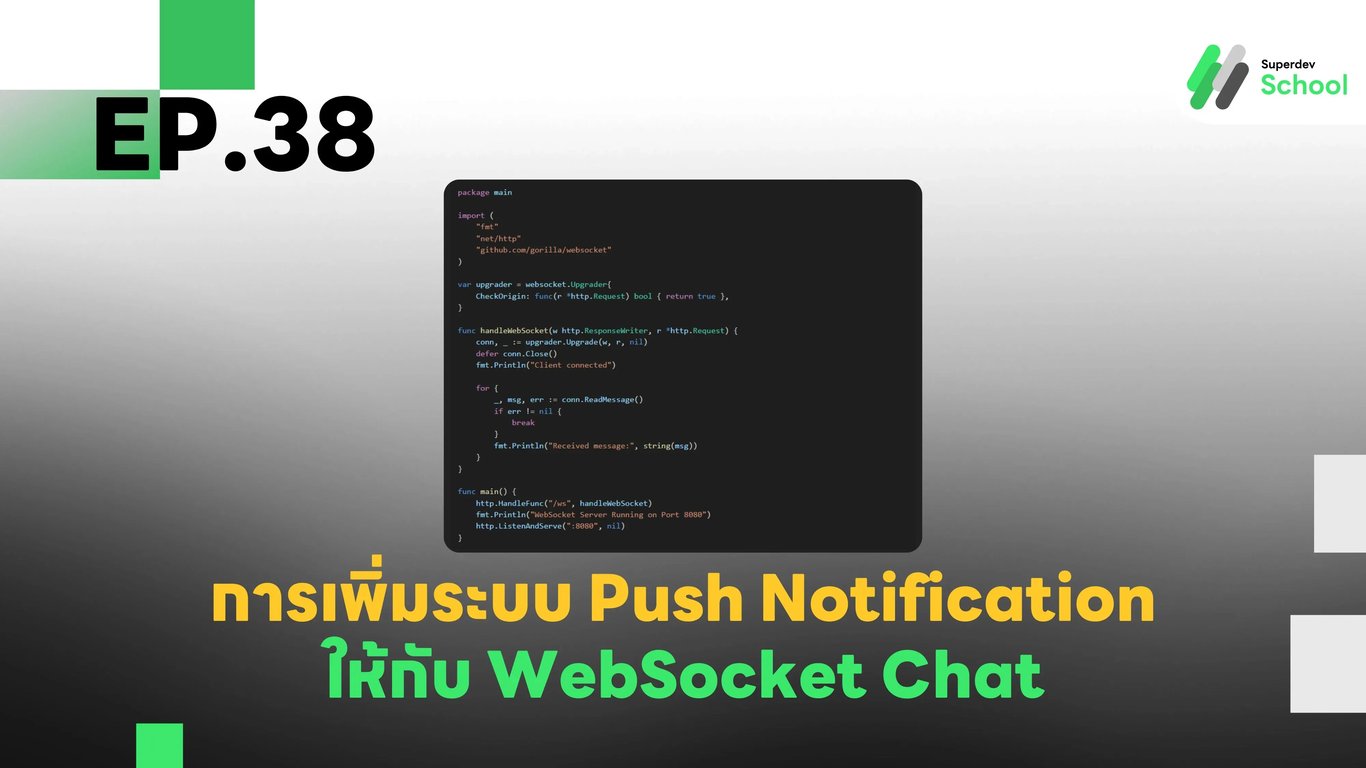
EP.38 การเพิ่มระบบ Push Notification ให้กับ WebSocket Chat
#Chat Alerts
#WebSocket API
#Web Push API
#Real-Time Chat
#Golang
#Go
#Firebase Cloud Messaging
#WebSocket
#Push Notification
ทำไมต้องใช้ Push Notification กับ WebSocket Chat?
แม้ว่า WebSocket จะช่วยให้แอปพลิเคชันสามารถรับส่งข้อมูลแบบเรียลไทม์ได้ แต่หากผู้ใช้ ปิดแอปพลิเคชัน หรือ ขาดการเชื่อมต่อ ก็จะไม่ได้รับข้อความใหม่ Push Notification ช่วยให้ผู้ใช้ยังคงได้รับการแจ้งเตือนแม้จะไม่ได้ใช้งานแอปอยู่
เทคโนโลยีที่ใช้ในระบบแจ้งเตือน
- WebSocket Server - ใช้สำหรับส่งข้อความระหว่างผู้ใช้
- Web Push API - ใช้สำหรับส่งการแจ้งเตือนไปยังเบราว์เซอร์ของผู้ใช้
- Firebase Cloud Messaging (FCM) - ใช้เป็น Notification Service สำหรับการส่งข้อความไปยังอุปกรณ์มือถือ
- Database (PostgreSQL / MongoDB) - ใช้เก็บข้อมูลการสมัครรับแจ้งเตือนของผู้ใช้
ติดตั้งไลบรารีที่จำเป็น
go get github.com/appleboy/go-fcmการตั้งค่าฐานข้อมูลเพื่อเก็บ Token ของผู้ใช้
ไฟล์ schema.sql
CREATE TABLE notification_tokens (
    id SERIAL PRIMARY KEY,
    user_id INTEGER NOT NULL,
    token TEXT NOT NULL UNIQUE
);
การสร้าง GraphQL Schema สำหรับการสมัครรับแจ้งเตือน
ไฟล์ schema.graphql
type Mutation {
  registerNotificationToken(userID: ID!, token: String!): String!
  sendPushNotification(userID: ID!, message: String!): String!
}
การสร้าง Resolver สำหรับ Push Notification
ไฟล์ resolver.go
package main

import (
    "context"
    "database/sql"
    "fmt"
    "github.com/appleboy/go-fcm"
    _ "github.com/lib/pq"
)

type Resolver struct {
    db *sql.DB
}

func (r *Resolver) Mutation_registerNotificationToken(ctx context.Context, userID int, token string) (string, error) {
    _, err := r.db.Exec("INSERT INTO notification_tokens (user_id, token) VALUES ($1, $2) ON CONFLICT (token) DO NOTHING", userID, token)
    if err != nil {
        return "Failed to register token", err
    }
    return "Token registered successfully", nil
}

func (r *Resolver) Mutation_sendPushNotification(ctx context.Context, userID int, message string) (string, error) {
    var token string
    err := r.db.QueryRow("SELECT token FROM notification_tokens WHERE user_id = $1", userID).Scan(&token)
    if err != nil {
        return "User token not found", err
    }

    data := &fcm.Message{
        To: token,
        Notification: &fcm.Notification{
            Title: "New Message",
            Body:  message,
        },
    }

    client, err := fcm.NewClient("YOUR_FIREBASE_SERVER_KEY")
    if err != nil {
        return "Failed to initialize FCM client", err
    }

    _, err = client.Send(data)
    if err != nil {
        return "Failed to send notification", err
    }
    return "Notification sent successfully", nil
}
การเชื่อมต่อ WebSocket และ Push Notification
ไฟล์ websocket_server.go
package main

import (
    "fmt"
    "net/http"
    "github.com/gorilla/websocket"
)

var upgrader = websocket.Upgrader{
    CheckOrigin: func(r *http.Request) bool { return true },
}

func handleWebSocket(w http.ResponseWriter, r *http.Request) {
    conn, _ := upgrader.Upgrade(w, r, nil)
    defer conn.Close()
    fmt.Println("Client connected")

    for {
        _, msg, err := conn.ReadMessage()
        if err != nil {
            break
        }
        fmt.Println("Received message:", string(msg))
    }
}

func main() {
    http.HandleFunc("/ws", handleWebSocket)
    fmt.Println("WebSocket Server Running on Port 8080")
    http.ListenAndServe(":8080", nil)
}
การสมัครรับแจ้งเตือนในฝั่ง Client
ไฟล์ client.js
async function registerNotification() {
    const registration = await navigator.serviceWorker.register("/service-worker.js");
    const subscription = await registration.pushManager.subscribe({
        userVisibleOnly: true,
        applicationServerKey: "YOUR_PUBLIC_VAPID_KEY"
    });

    fetch("/graphql", {
        method: "POST",
        headers: { "Content-Type": "application/json" },
        body: JSON.stringify({
            query: `mutation { registerNotificationToken(userID: 1, token: "${subscription.endpoint}") }`
        })
    });
}

registerNotification();
ท้าให้ลอง!
ลองเพิ่ม การแจ้งเตือนแบบกลุ่ม (Group Notifications) เพื่อแจ้งให้ทุกคนในห้องแชทได้รับข้อความใหม่แม้จะไม่ได้เปิดแอปอยู่
EP ถัดไป
ใน EP.39, เราจะเพิ่ม ฟีเจอร์การส่งไฟล์ในแชท (File Upload in WebSocket Chat) เพื่อให้ผู้ใช้สามารถแชร์รูปภาพและเอกสารได้ 🚀